Meshy just plugged AI mesh generation into Claude and other coding assistants
When text-to-3D becomes a native capability of AI agents, the abstraction between describing something and building it dissolves.
Meshy released the Meshy MCP Server this month, exposing its entire text-to-3D, image-to-3D and rigging pipeline to Claude and any other AI coding assistant that speaks the Model Context Protocol. Type a brief description into Claude, and the agent calls the API directly, receives a finished textured mesh, and passes it to the next step of your production.
This is not a minor upgrade. Until now, text-to-3D sat in a walled garden: you go to the website, you run the generation, you wait a minute, you download the file. The moment you put the whole thing inside an AI agent, it becomes atomic, automatable, and part of a chain that never touches a browser.
What changes in your pipeline
The MCP server exposes text-to-3D, image-to-3D, auto-rigging, animation generation, retexturing, and 3D printing workflows as callable functions. An agent can now:
- Take a single image or photograph from a shoot, ask for a 3D interpretation, and get back a textured mesh ready for compositing or animation
- Generate variations on a design by feeding different prompts through the same agent loop
- Rig and animate generated assets without touching Rigging Station
- Send meshes directly to 3D printing hardware partners (Formlabs, xTool, Snapmaker) with full-color output
This matters for Vision For Xperiences because the studio has worked on everything from product films built in 3D to architectural visualizations where a chunk of the timeline is still spent as a human bottleneck: write the brief, wait for a tool to finish, check the output, iterate in a separate application.
Where it still breaks
Meshy's quality depends on prompt clarity and the model's training data. A complex organic shape, a specific material finish, or an object with internal geometry still needs human direction. The image-to-3D path is weaker than text-to-3D on anything asymmetrical or occluded in the photograph. And if you need the mesh to match exact specifications, you are still looking at cleanup in a 3D editor.
The agent can also hallucinate geometry that looks right at render time but fails under inspection or animation. Running output through a validation step before handing it to the next tool in your pipeline is not optional.
Who benefits first
Product visualization is the immediate winner. If you are building renderings for e-commerce, packaging, or pitch work, Meshy-through-an-agent collapses the time between "here is the product" and "here is the render." The studio handles product work across architecture, technology, and fashion, and this changes the math on how fast you can explore directions.
Game studios and tool developers benefit because the rig and animation output means fewer hand-built rigs. The rigging layer has already been chipped away by free tools, so seeing it automated behind an agent call is a logical next step.
Architectural visualization is trickier. Meshy handles organic forms and clean geometric shapes well, but site-specific work still needs the photograph-to-3D path to hold up under scrutiny, and occlusion from surrounding buildings or terrain can break the reconstruction. Vision For Xperiences would be watching closely before quoting a job on this, but the moment it clears that bar for a type of site, the timeline compression is massive.
The real shift
The MCP integration is not about Meshy being better than last month. It is about mesh generation becoming a native function in the tools creators already use, which means workflows that assumed human-in-the-loop now have an option to run autonomous. That trades control for speed, and every project type has a different tolerance for that trade.
Five years ago this would have been a plugin. Now it is a callable function inside an agent that can reason about when to use it.
Quick answers
Does the agent always get it right on the first try?
No. Meshy's text-to-3D is good on clear prompts but struggles with complex geometry or unusual angles. The image-to-3D path works better with multiple views. Running output through a validation step before passing it downstream is standard practice.
What if I need exact specifications, not close approximations?
Meshy output is a starting point for this kind of work, not the final mesh. Cleanup in Blender or your native 3D app is normal. For precision-critical geometry, the time saved is in the sketch-to-rough stage, not the finishing stage.
Can I use this commercially?
Yes. Meshy offers paid plans with commercial licensing. The free tier has usage limits and requires credit on exports. Check their terms for your project scale.
Referenced
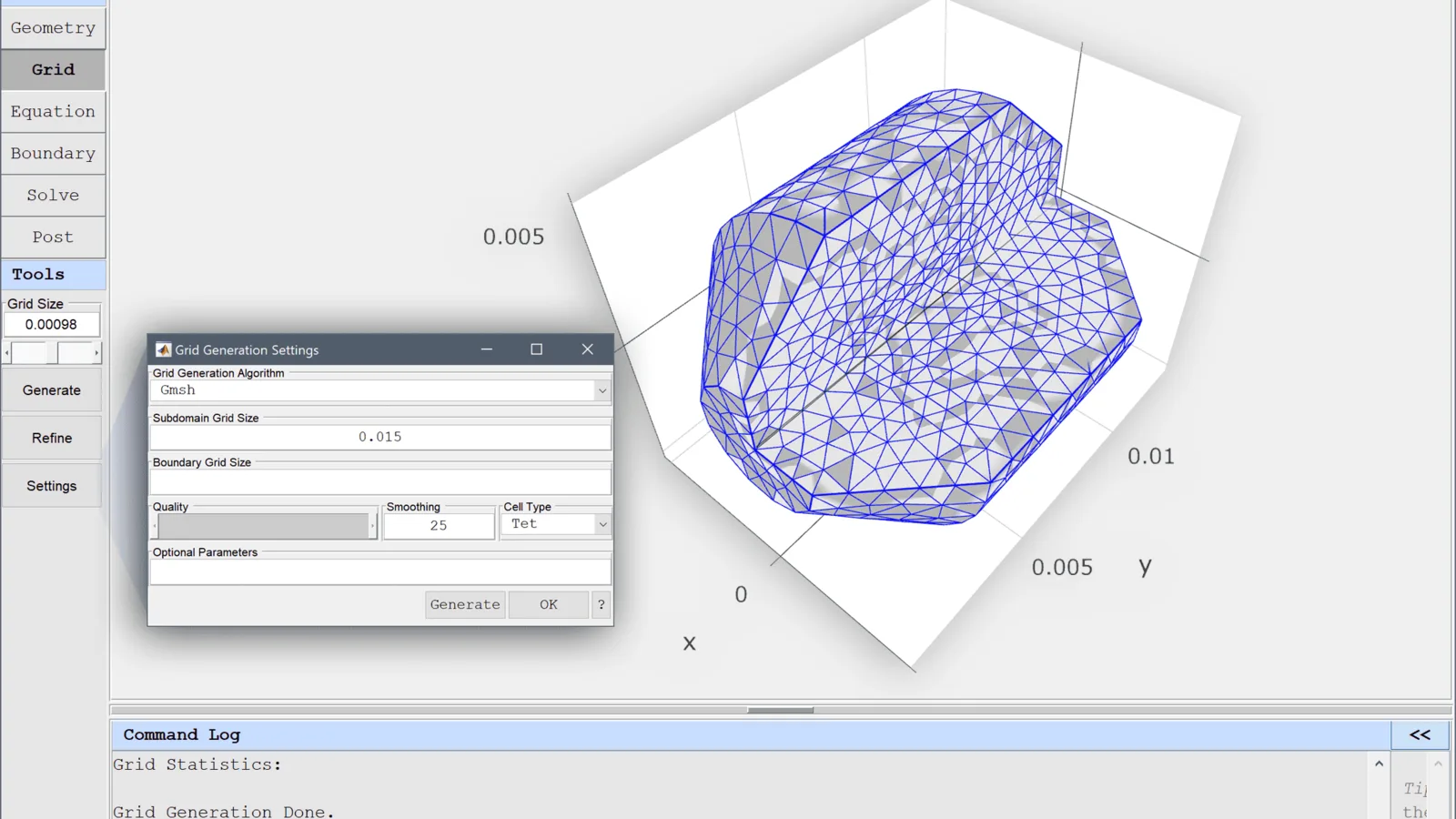
Image: “02-grid-mesh-generation-mode-featool-multiphysics-matlab-gui” by Precise Simulation, via source. Licensed CC BY-SA 4.0.
Tell us what you are making.
We cover VFX, 3D animation, live visuals, interactive installations and licensed drone work under one roof, at budgets from small one-off jobs upward. Send a brief and you get a real answer within 48 hours.