Generative 3D just learned to think like a printer
Meshy AI's print-ready pipeline turns prompts into physical objects, and the tooling finally matches the speed of digital design.
Meshy AI unveiled its Creative Lab platform at CES 2026, and it does something none of the generative 3D tools have properly solved until now: it takes an AI model and makes it actually printable. The system runs geometry repair, recommends materials and finishes, estimates print settings, flags manufacturability issues. One click from "prompt to product" with no CAD expertise required.
This matters because the entire workflow has been backwards. Generative tools make beautiful, impossible geometry. Designers then spend days, sometimes weeks, cleaning it up in CAD, checking wall thickness, adding drainage holes, rebuilding undercuts that can't print. Every iteration adds friction. Meshy pushes that constraint back into the model itself, letting the AI learn what printable actually means.
Why this breaks the dam
Film and commercial production have been waiting for this. A designer sketches a prop in reference images, runs it through a generative model, and historically the output is a sculpture, not a blueprint. With Meshy's layer, automatic geometry repair, material recommendations, print-path optimization, the distance from "idea" to "in your hand" collapses. Netflix and other productions are already printing prosthetics and set pieces instead of CNC routing or hand-building them. This pipeline removes the friction that was keeping the flow manual.
Vision For Xperiences builds product visuals and set worlds in 3D, and we watch a lot of post-production time vanish into refinement. The temptation with any generative model is to treat it as a final render, but when the next step is physical, a print for reference on set, a concept hull you need to hold in your hand, the geometry matters in ways the model doesn't know. Meshy closes that loop.
What it still can't do
The platform handles standard materials: resin, filament, powder-bed metals. It does not optimize for exotic composites, hybrid layering, or live material switching the way newer 8- and 12-nozzle printers can do. If your part needs gradient stiffness or embedded inserts, you are back in manual territory. And the recommendations are solid but generic; a designer wanting a specific surface finish or internal structure still needs to override them. The system talks to standard slicers, not proprietary workflows.
The bigger catch: Meshy is trained on parts that print well, which means it is biased toward designs it has seen work before. Ask it for something truly novel, a shape that exploits the specific capabilities of a resin printer, or a geometry that only works in ceramic, and it will steer you back to safer territory. It optimizes for success, not for pushing the medium.
For people making things
This is not about printing faster. It is about closing the loop between ideation and first physical object. A visualization studio can now spin up a print-ready model as part of pre-viz, hand it to a prop department, and the prop is buildable. No weeks of CAD cleanup, no "this geometry is impossible, redesign it." For architecture and product visualization, where clients often want a printed maquette alongside the render, the time saving is measured in days per project.
Vision For Xperiences built CYBERAWARE, an interactive installation with custom-fabricated hardware. The console and sensor rigs were designed and iterated on a tight timeline. Something like Meshy would have let us skip the CAD translation entirely, hand optimization directly to the maker. That is the workflow this unlocks.
The hardware side is moving fast too. AtomForm's Palette 300 printer hits 800 mm/s and handles 36 colors or 12 materials in one job. Creality and others are pushing resolution and speed up simultaneously. But the real bottleneck has not been the machines, it has been the pipeline. Meshy fixes the pipeline.
Quick answers
Can I use Meshy models in my existing slicer software?
Yes. Meshy exports to standard formats (STL, STEP, OBJ) and talks to major slicers like Cura, PrusaSlicer, and proprietary software from resin and powder-bed printers. The recommendations are built in, but you can override them.
Does this replace CAD design?
For exploratory or concept work, yes. For precision engineering or custom mechanical parts, no. Meshy optimizes for aesthetics and printability, not for tolerances, assembly sequences, or moving parts. It is best suited to finished goods, props, sculptures, and consumer products.
What materials does it support?
Currently resin, FDM filament (PLA, ABS, PETG, TPU), and powder-bed metals (aluminum, titanium, steel). Exotic composites and ceramic are not yet integrated.
Referenced
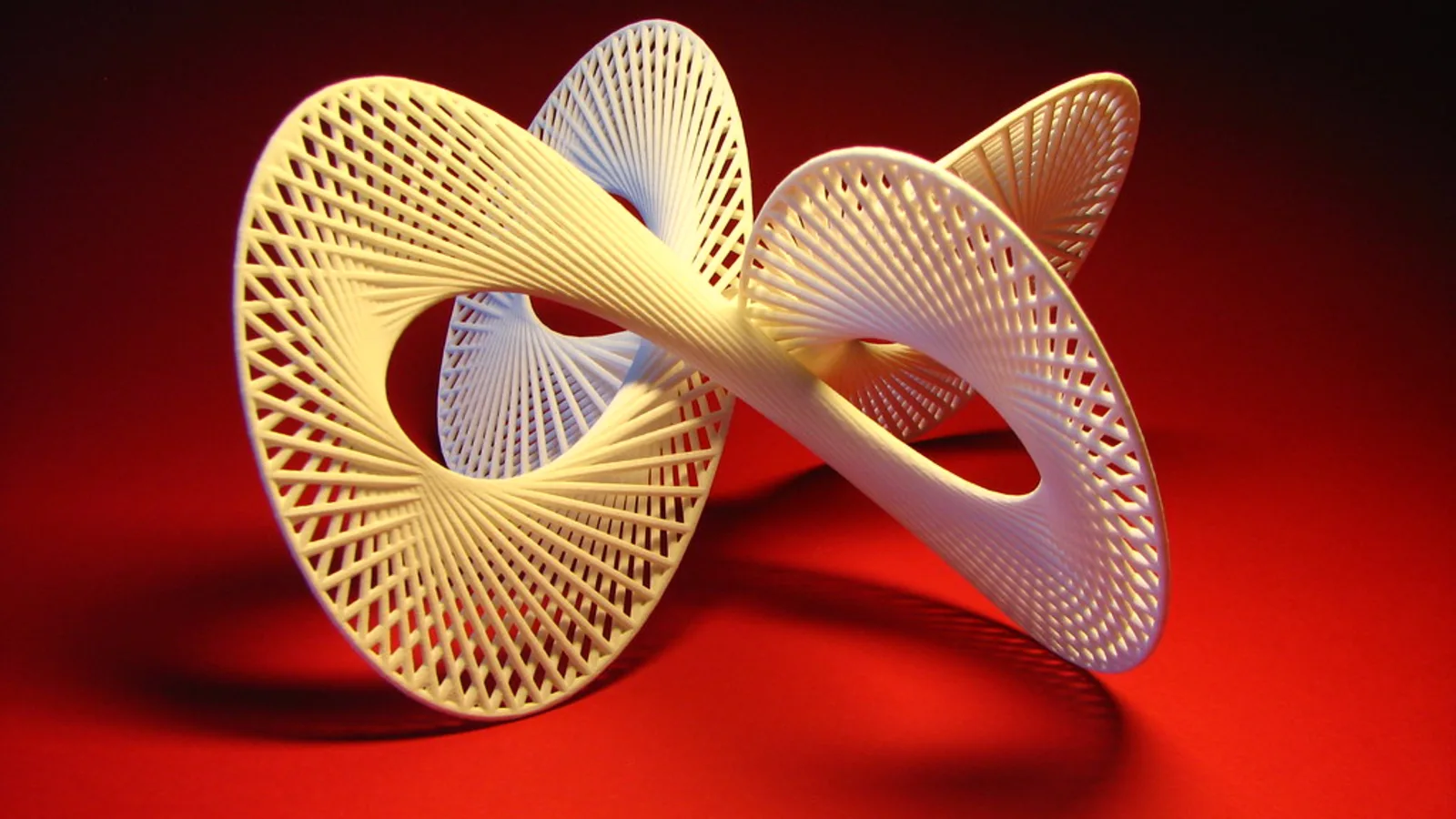
Image: “Quadrifolium 3D Print” by fdecomite, via source. Licensed CC BY 2.0.
Tell us what you are making.
We cover VFX, 3D animation, live visuals, interactive installations and licensed drone work under one roof, at budgets from small one-off jobs upward. Send a brief and you get a real answer within 48 hours.