ComfyUI added inpaint canvas, and masking just got faster
A new custom node turns ComfyUI into a layered paint program. It cuts the friction between generation and refinement.
ComfyUI's Inpaint Canvas node landed on September 5, and it changes how people think about masking workflows inside the node graph. Instead of routing back out to Photoshop or Krita when you need to refine a masked region, you now paint selections, feather edges and run inpaint rounds inside ComfyUI itself, then export as PSD if you need the layers for downstream work.
The shift is smaller than it sounds. Masking in ComfyUI has always worked, you load an image, paint a mask in the built-in editor, composite it back with the MaskComposite node, or use attention masking to pin an IPAdapter reference to a specific region. That workflow is fast and locked in. But between the time you generate something and the moment you have a usable composite, there is friction. You either live with what the nodes produced, or you leave the graph, edit in another tool, and hand back the revised images.
Inpaint Canvas closes that loop. You paint a selection inside ComfyUI using SAM-assisted picking (point and it traces the boundary) or freehand brushing. You can feather the selection, apply filter layers, then run an inpaint pass right there, all inside a single editor. When you are satisfied, you export the result as a PSD with layer history intact, or send the refined image back into your workflow nodes.
For studios building compositing and set extension work, this matters because iteration speed is where the day disappears. You generate a background plate, spot something that needs adjustment, and now you do not have to hand it off or pause the workflow. Paint, inpaint, composite, check. The Krita-style layer architecture means complex masks, color-separated regions, multiple feathered edges, filter stacks, live in a format everyone downstream can understand.
The limitation is real: this is a custom node, not core ComfyUI, so the feature set is still settling. The SAM picking works on 2D selections, not video frames, so you cannot use this to mask across a sequence yet. But if you are building static compositions or handling frame-by-frame refinement, the time you save by not tab-switching adds up.
This is not the only masking improvement landing in 2026. Attention masking with IPAdapter has matured enough that reference images now respect mask boundaries with the precision that made it the most important IPAdapter update in years. You hand it a black-and-white mask, and the reference influences only the white region while the text prompt and checkpoint fill everything else. Vision For Xperiences has watched masking techniques closely because our animation and compositing work sits on the boundary between generated and handcrafted.
Where this gets interesting is in hybrid workflows. Generate a hero pass, mask a region, inpaint a refinement, composite it against a 3D environment built from architectural drawings, then run color correction across the whole stack. Every step stays inside the node graph. You are not exporting sequences between tools, which means fewer file formats to manage, fewer manual passes, and fewer places where a coordinate system can drift.
The tension is that ComfyUI itself was never designed as a paint program. It is a node graph. Packing a full editor inside a node creates a UI that feels borrowed, which is fine for occasional use but can feel clumsy if you are doing serious frame-by-frame masking work. For that, Krita is still faster. But for the 80 percent case, "I generated something, one region needs a touch-up, let me fix it and move on", this cuts the context switch.
ComfyUI's broader move into image editing (Inpaint Canvas, the new canvas-based layer nodes, improved selection tools) signals the community is betting on generative workflows that stay inside the node graph instead of bouncing to Photoshop. That is a bet on speed and reproducibility over pixel-perfect control, which is a different tradeoff from traditional compositing. Vision For Xperiences sees both workflows in the field. Clients who know what they want before generation starts still benefit from the traditional Nuke or Fusion pipeline. Clients building exploratory work, or iterating on generated assets, are pushing hard on keeping everything in one place and one language.
If you are already in ComfyUI for your generation pipeline, Inpaint Canvas is worth trying on a personal project before the next client brief. It is not a replacement for proper compositing software. It is a bridge that might save you an hour per comp.
Quick answers
Can I use Inpaint Canvas for video masking across a sequence?
Not yet. It works on static images and frame-by-frame workflows, but there is no per-frame tracking or multi-frame selection. For video masking, SAM 3 in ComfyUI can mask objects by text description and track them across frames, but Inpaint Canvas itself is still single-frame.
Do I need to export as PSD, or can I send the inpainted result back into my nodes?
Both. You can export as PSD with layer history for handoff to other tools, or feed the inpainted image directly back into your workflow nodes without leaving ComfyUI.
Does attention masking replace traditional masking?
No. Attention masking with IPAdapter is a different tool for a different job: pinning a reference image to a specific region during generation. Traditional masking with MaskComposite is for blending and compositing after generation. You often use both in the same workflow.
Referenced
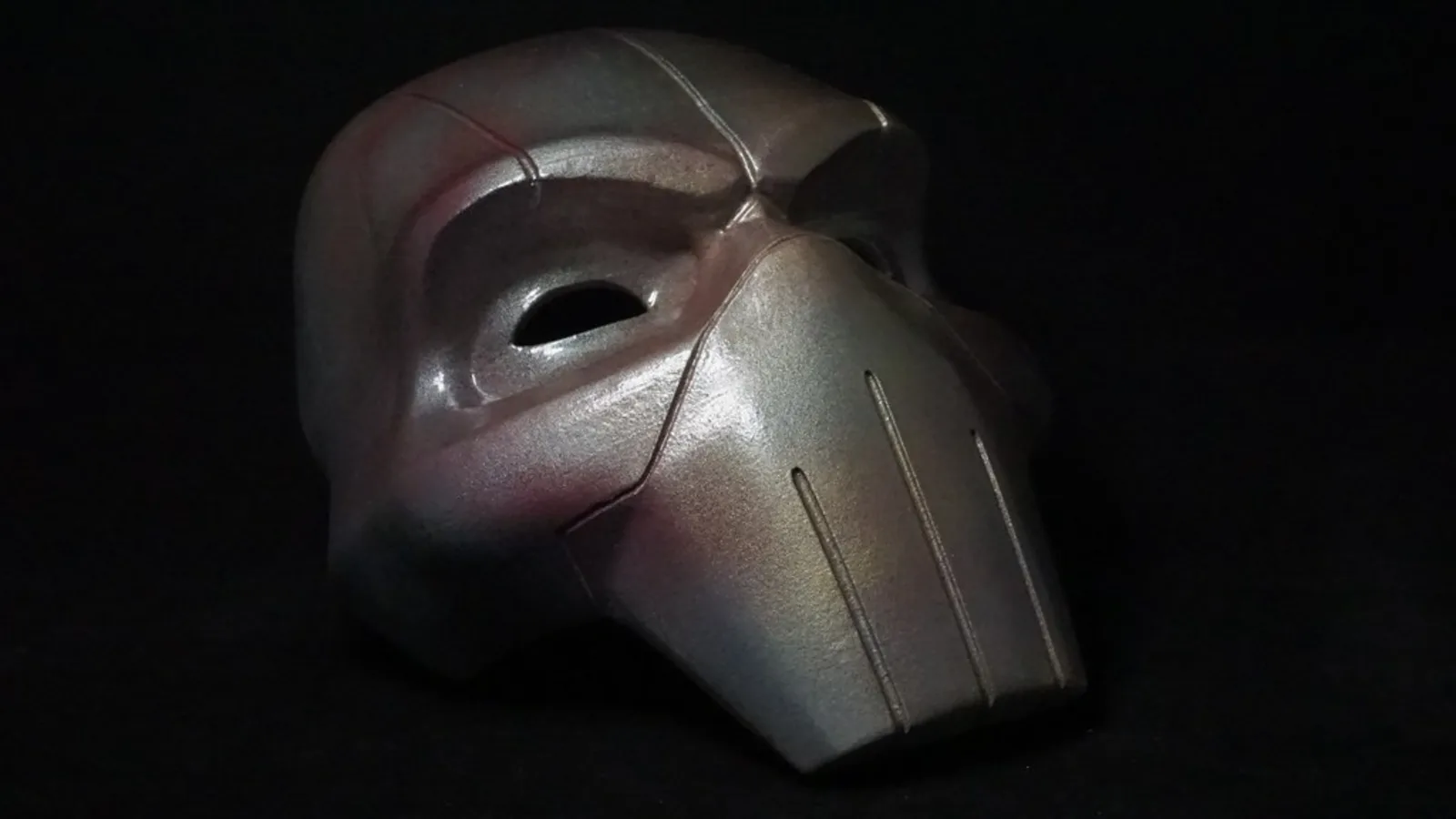
Image: “3D printed superhero mask” by Top3DShop Inc, via source. Licensed CC BY 2.0.
Tell us what you are making.
We cover VFX, 3D animation, live visuals, interactive installations and licensed drone work under one roof, at budgets from small one-off jobs upward. Send a brief and you get a real answer within 48 hours.