Three.js made the WebGPU swap a one-liner, and adoption jumped to 65 percent
When the most-used 3D library for web work lets you swap renderers in one line, adoption stops being theoretical. Here's what changed for people building in the browser.
Three.js r171 shipped with a one-line renderer swap: change WebGLRenderer to WebGPURenderer, and the same code now talks directly to the GPU at a lower level. No rewrite. No shader port. No architectural change. The 2025 Web Almanac reports that 65 percent of new web apps shipping 3D content now use WebGPU, up from around 8 percent two years ago. That gap between "available" and "actually used" just closed.
The catch is that WebGPU still has platform limits. Firefox ships it only on Windows and Apple Silicon, Chrome on Linux only on Intel Gen12+ and recent NVIDIA cards. Mobile is still the weak point unless you control the device. But for the studios and agencies building configured products, interactive campaigns, and branded environments inside the browser, the baseline is finally here.
Why the one-liner matters
WebGL has been the web's graphics standard since 2011, and it works. But it abstracts the GPU's state machine into a layer that adds overhead. WebGPU rips that abstraction away. You define your entire rendering pipeline upfront, tell the GPU exactly what to do before drawing starts, and the hardware does less bookkeeping between frames. The result is smoother performance and the ability to push more geometry and effects into a browser tab.
But adoption stayed theoretical because migrating a codebase from WebGL to WebGPU meant rewriting shaders, restructuring render passes, and betting that the performance gains were worth the two-week refactor. Three.js r171 changed the wager: if you are already using Three.js, you do not refactor anything. One line, and you get to try it.
What this opens up
We built a 3D brand identity for a logistics company entirely in the browser, and the constraint was always frame rate on lower-end hardware. WebGPU's lower overhead means either the same visuals run smoother on weak machines, or you push significantly more into the same frame budget. For Vision For Xperiences, this is the first time in a while that browser-based work has felt like a first choice instead of a compromise.
Production case studies make it concrete: Nexara Labs reported a 40 percent conversion lift on a product configurator after switching to WebGPU rendering. ChartGPU renders a million data points at 60 frames per second. Those are not marginal improvements. They are the kinds of wins that change how you quote a job.
Three.js is already mainstream, so this is not a niche story. It is the moment when "you could switch if you rebuilt" became "you can switch for free."
The compatibility catch
WebGPU is finally cross-browser, but not uniform. Safari 26 shipped WebGPU across macOS, iPadOS, iOS, and visionOS in September 2025, closing the last holdout. Chrome and Firefox now ship it everywhere, with the platform-specific caveats. The best approach for production work is an engine that uses WebGPU where available and falls back to WebGL2 automatically, exactly what Three.js now offers.
For teams handling interactive design and real-time experiences, this is the year you stop apologizing for browser performance. For agencies building product and technology visuals, the browser is now a legitimate rendering target that competes on frame rate and visual fidelity with dedicated apps.
The one-liner did not fix everything. But it fixed the friction. And when friction drops, adoption accelerates.
Quick answers
Do we have to rewrite our WebGL shaders to use WebGPU?
Three.js handles the translation for you with the one-line swap. If you are using Three.js materials and shaders, you do not rewrite anything. If you wrote custom GLSL, you would need to port that to WGSL, but that is a separate project from migrating the engine.
Which browsers actually support WebGPU right now?
Chrome and Safari ship it on macOS, iOS, and iPadOS. Firefox ships it on Windows and Apple Silicon only. Chrome on Linux requires Intel Gen12+ or recent NVIDIA cards. For mobile product configurators and browser-based campaigns, the support is broad enough to matter.
Is WebGPU faster than WebGL, or just more efficient?
Both. WebGPU reduces GPU overhead by defining the pipeline upfront, so the same scene runs smoother on weak hardware. On capable machines, it also lets you pack significantly more geometry and effects into the same frame budget, which is why product renders and data visualizations see measurable conversion lifts.
Referenced
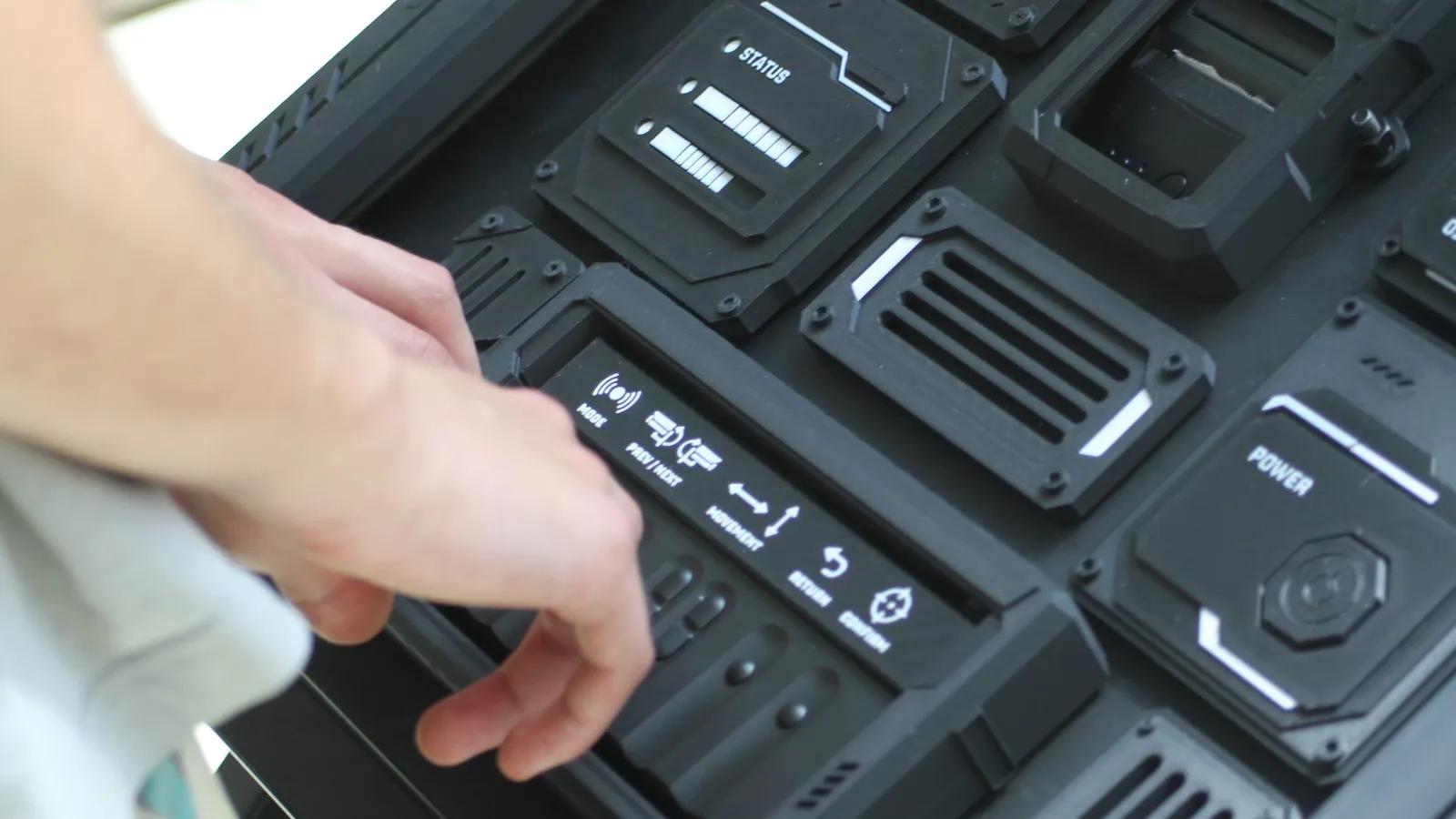
Image: from our own interactive work. More about the studio.
Tell us what you are making.
We cover VFX, 3D animation, live visuals, interactive installations and licensed drone work under one roof, at budgets from small one-off jobs upward. Send a brief and you get a real answer within 48 hours.